
Free AI summary of this YouTube video by SumTube
Breaks & Continues - Roblox Beginners Scripting Tutorial #12 (2025)
TL;DR
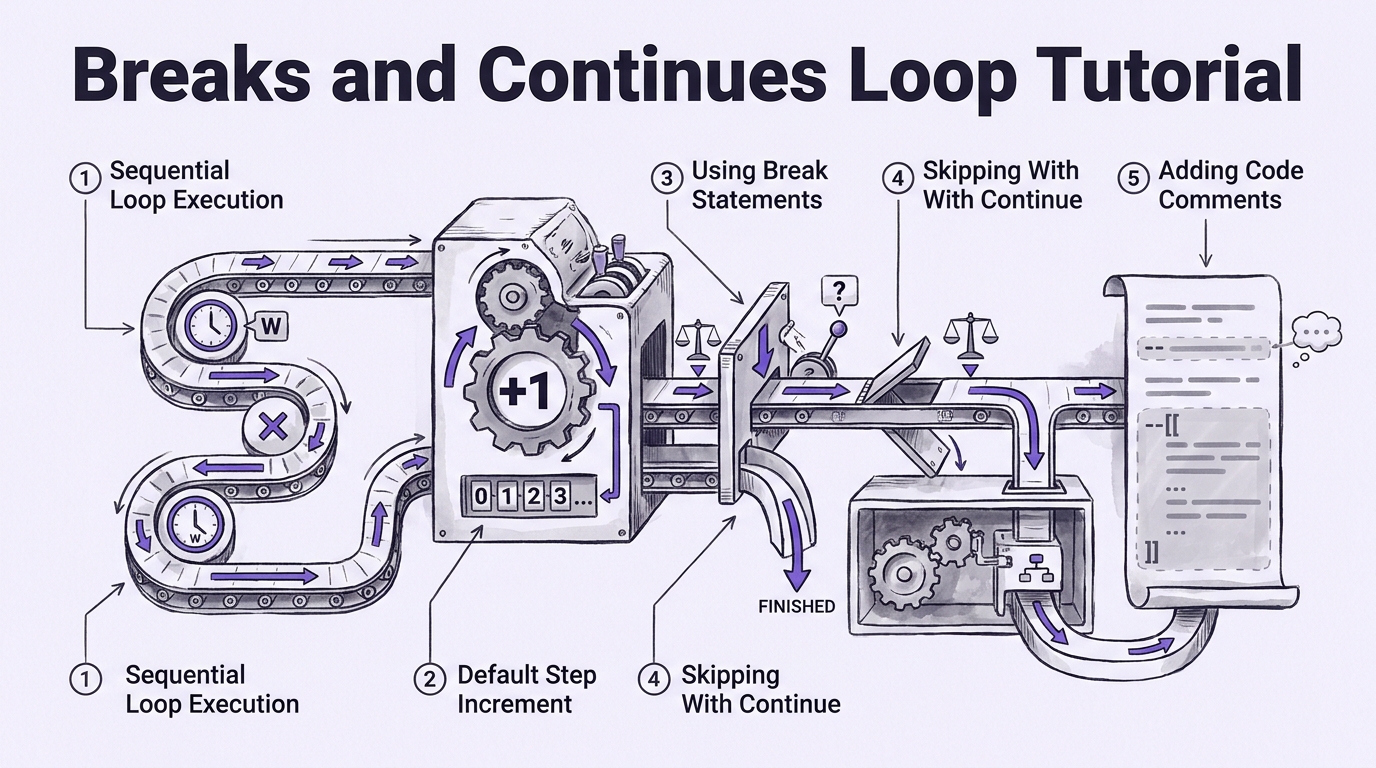
In this Roblox Luau scripting tutorial, BrawlDev explains how order matters when running sequential loops containing delay functions. He demonstrates how to use break statements to terminate long loops early when specific conditions are met, and how continue statements skip an individual iteration. Finally, he introduces single-line and multi-line comments for documenting code and temporarily disabling code blocks during testing.

Key takeaways
- 1:00Sequential loops with wait delays must finish completely before subsequent script lines run
- 3:45Omitting the third parameter in a Luau for-loop causes it to default to an increment step of 1
- 5:37Using 'break' halts a loop immediately, preventing script timeouts on massive iterations
- 10:23The 'continue' keyword bypasses the remainder of the current loop iteration without ending the loop entirely
Tap to enlarge
Most valuable section
For whom
Beginner Roblox developers wanting to control loop iteration flow and avoid performance crashes.
Loop Performance Crashes and Fixes10:44
It shows a real-time example of how uncapped infinite loops trigger script execution timeouts and how to properly guard loops using break statements.
Detailed summary
1. Loop Execution Order and Wait Delays
0:00BrawlDev opens the tutorial by clarifying how delay statements inside loops affect code execution flow. When multiple loops are placed sequentially in a script, the first loop must complete all of its iterations before the script proceeds down to execute the second loop.
He explains that attempting to run time-delayed loops back-to-back will block subsequent code unless specialized async methods are used. Understanding this sequential behavior is critical for organizing scripts correctly before introducing control statements.
2. Default Loop Step Values & Large Iterations
2:31The video transitions to setting up a new for-loop with a high iteration count. BrawlDev points out that Luau for-loops do not require an explicit step increment parameter if incrementing by 1, as 1 is the default step behavior.
Running a loop through thousands of iterations can consume immense processing power. He introduces the necessity of stopping loops programmatically when specific criteria are satisfied rather than forcing the engine to complete unnecessary cycles.
3. Using Break Statements in For and While Loops
5:24BrawlDev demonstrates how to implement the break statement within a conditional check inside a for-loop. By evaluating if the loop counter has reached a target value, the script executes break to instantly terminate the loop early.
He applies the same concept to a while-loop using a local counter variable. Both examples confirm through output logs that execution stops immediately upon hitting the break statement, leaving the remaining planned iterations unexecuted.
4. Skipping Iterations with Continue Statements
8:56The tutorial demonstrates the continue statement, which skips only the remainder of the current iteration while allowing the overall loop to keep running. BrawlDev inserts an if-statement checking for a specific counter value to log a message and invoke continue.
During the demonstration, omitting the break condition accidentally triggers a Roblox script execution timeout crash. After restoring the break safeguards, the output confirms that the specified target iteration was skipped while surrounding iterations ran normally.
5. Single-Line and Multi-Line Comments
13:43BrawlDev introduces code comments as a way to temporarily disable code lines and document script logic. Single-line comments are created using two dashes (`--`), turning the rest of the line gray so the compiler ignores it.
For larger blocks of code, he demonstrates multi-line comment syntax using `--[[` and `]]`. He uses this technique to comment out an entire while-loop block so only the for-loop executes during testing.
6. Practical Exercise and Wrap-Up
20:15The lesson concludes with a learning objective challenge for viewers. Subscribers are instructed to practice adding break and continue statements to their own loops and to document their code using single-line and multi-line comments.
Viewers are encouraged to post their completed exercise scripts in the video comment section for feedback before the tutorial concludes.
Questions this video answers
Why did my second for-loop fail to run immediately after the first one?
Sequential loops run synchronously from top to bottom. If the first loop contains wait delays, the script pauses execution on that loop until all of its iterations finish before proceeding to the next loop.
How do you stop a loop early in Luau to prevent a script timeout crash?
You can insert a conditional statement inside the loop body checking for your desired target condition. When the condition evaluates to true, execute the 'break' command to stop the loop completely.
What is the difference between single-line and multi-line comments in Roblox scripting?
Single-line comments start with two dashes (`--`) and disable code through the end of that specific line. Multi-line comment blocks use two dashes followed by double opening brackets (`--[[`) and close with double closing brackets (`]]`), graying out entire sections across multiple lines.
Ask a follow-up Premium
About this summary
SumTube AI wrote this recap from the video's words and chapters. Credit and the original belong to BrawlDev.